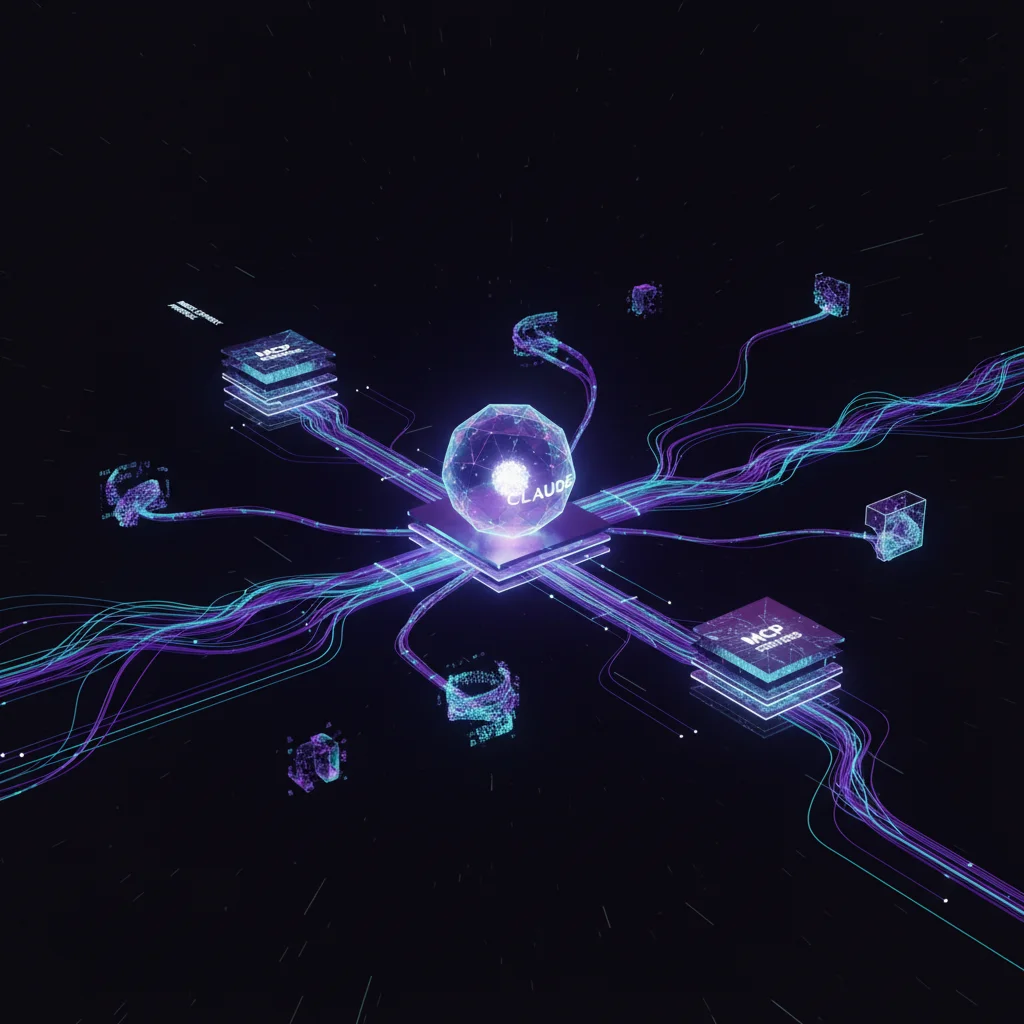
TL;DR — MCP servers extend Claude’s capabilities by connecting it to external systems, but we’ve since moved to a CLI-first architecture. CLI tools are more transparent, auditable, and context-efficient than persistent MCP servers — every command is readable in shell history.
Update (January 2026): We’ve moved away from MCP to a CLI-first architecture. MCP adds abstraction layers and persistent servers. CLI tools are direct, transparent, and auditable—every command is readable in shell history.
Read our new approach: CLI-First Agent Architecture
The content below is preserved for reference but no longer reflects our current approach.
What Problem Does MCP Solve?
Out of the box, Claude is limited to processing text. You give it text, it gives you text back. This is remarkably useful, but it means Claude can’t directly interact with the outside world—it can’t query your database, browse the web, control applications, or access your internal systems.
Model Context Protocol (MCP) is Anthropic’s standard for connecting Claude to external tools and data sources. Think of MCP servers as plugins that extend what Claude can do. With the right MCP servers installed, Claude can query databases, browse the web, control applications, access APIs, and read files from anywhere.
The result is that Claude stops being an isolated text processor and becomes something that can actually interact with your systems.
The MCP Servers We Use
We’ve built our agent infrastructure on top of several MCP servers, both from Anthropic and third parties, plus some we’ve built ourselves.
Chrome DevTools
This server lets Claude control a browser programmatically. The configuration is straightforward:
{
  "mcpServers": {
    "chrome-devtools": {
      "command": "npx",
      "args": ["@anthropic/mcp-chrome-devtools"]
    }
  }
}
With this server running, Claude can take screenshots of websites for analysis, navigate through web applications, run performance profiles, and debug frontend issues. When we need an agent to evaluate a webpage or interact with a web-based tool, Chrome DevTools makes it possible.
Firecrawl
For web scraping beyond simple page visits, we use Firecrawl. It handles the complexity of modern websites—JavaScript rendering, pagination, authentication—and returns clean, structured content.
{
  "mcpServers": {
    "firecrawl": {
      "command": "npx",
      "args": ["firecrawl-mcp"],
      "env": {
        "FIRECRAWL_API_KEY": "..."
      }
    }
  }
}
We use this for researching competitors, extracting structured data from websites, and doing content analysis at scale. When agents need to understand what’s on a website rather than just view it, Firecrawl is how they get there.
Supabase
Database access is essential for many agent tasks. The Supabase MCP server lets Claude query production data, run migrations, and manage edge functions.
{
  "mcpServers": {
    "supabase": {
      "command": "npx",
      "args": ["@supabase/mcp-server"],
      "env": {
        "SUPABASE_ACCESS_TOKEN": "..."
      }
    }
  }
}
When our finance squad needs to analyze cost data stored in Postgres, or when an agent needs to check deployment status, this is how it happens.
Google Workspace
Gmail, Google Drive, and Search Console are central to many workflows. Our custom Google Workspace server exposes these capabilities to agents.
{
  "mcpServers": {
    "google-workspace": {
      "command": "node",
      "args": ["./mcp-servers/google-workspace/index.js"]
    }
  }
}
Agents can search and read emails, access documents in Drive, and analyze SEO data from Search Console. This makes it possible to build agents that work with the same tools your team uses every day.
Langfuse Telemetry
For AI observability—understanding what our agents are doing and how much it costs—we built a custom Langfuse server.
{
  "mcpServers": {
    "langfuse-telemetry": {
      "command": "node",
      "args": ["./mcp-servers/langfuse/index.js"]
    }
  }
}
This lets agents query execution history, analyze costs by squad or agent, and track quality metrics. Our cost-tracking agent uses this server to generate the reports that keep us informed about AI spend.
Building Your Own MCP Servers
When existing servers don’t fit your needs, building a custom one is straightforward. The MCP SDK handles the protocol details; you just need to define your tools and implement the logic.
Here’s the basic structure in TypeScript:
import { Server } from "@modelcontextprotocol/sdk/server/index.js";
import { StdioServerTransport } from "@modelcontextprotocol/sdk/server/stdio.js";

const server = new Server({
  name: "my-server",
  version: "1.0.0"
}, {
  capabilities: { tools: {} }
});

// Define what tools are available
server.setRequestHandler("tools/list", async () => ({
  tools: [{
    name: "my_tool",
    description: "Does something useful",
    inputSchema: {
      type: "object",
      properties: {
        query: { type: "string" }
      }
    }
  }]
}));

// Handle actual tool calls
server.setRequestHandler("tools/call", async (request) => {
  if (request.params.name === "my_tool") {
    const result = await doSomething(request.params.arguments);
    return { content: [{ type: "text", text: result }] };
  }
});

// Start the server
const transport = new StdioServerTransport();
await server.connect(transport);
If you prefer Python, FastMCP makes things even simpler:
from fastmcp import FastMCP

mcp = FastMCP("my-server")

@mcp.tool()
def my_tool(query: str) -> str:
    """Does something useful."""
    return do_something(query)

if __name__ == "__main__":
    mcp.run()
The Python version handles most of the boilerplate automatically. You just decorate functions with @mcp.tool() and they become available to Claude.
Design Principles for Good MCP Servers
We’ve learned several things about what makes MCP servers effective.
One server should handle one domain. We initially built a “utility-server” with fifty different tools. It was confusing for Claude to navigate and hard for us to maintain. Separate servers for separate concerns—gmail-server, drive-server, calendar-server—work much better.
Tool names should be descriptive because Claude uses them to decide what to call. A tool named search(query) is ambiguous. A tool named gmail_search_messages(query, max_results) is clear about what it does and what domain it operates in.
Key Takeaway — One server per domain, descriptive tool names, and rich descriptions. We learned the hard way: a “utility-server” with fifty tools was confusing for Claude and hard to maintain. Separate servers for separate concerns.
Rich descriptions help Claude understand when to use each tool. Don’t just name your tools—explain them:
{
  name: "search_console_performance",
  description: `Get SEO performance data from Google Search Console.
    Returns clicks, impressions, CTR, and position.
    Use for: SEO analysis, keyword tracking, traffic trends.
    Requires: site_url in format 'https://example.com'`
}
Return structured data that Claude can reason about. A tool that returns “Found 3 results” is less useful than one that returns JSON with the actual results, count, and pagination information. Structure makes outputs processable.
Configuration in Claude Code
Claude Code looks for MCP configuration in ~/.claude/claude_desktop_config.json. The format is consistent across all servers:
{
  "mcpServers": {
    "server-name": {
      "command": "node",
      "args": ["path/to/server.js"],
      "env": {
        "API_KEY": "..."
      }
    }
  }
}
When Claude Code starts, it launches all configured MCP servers. The tools they expose become immediately available in conversations.
Debugging MCP Servers
When things go wrong, a few commands help diagnose issues.
Check that servers are actually running:
claude mcp listTest a server directly by sending it a JSON-RPC message:
echo '{"jsonrpc":"2.0","method":"tools/list","id":1}' | node server.jsCommon problems we’ve encountered: servers crash on start because environment variables aren’t set (check your env configuration). Tools don’t appear because the tools/list handler has a bug (test it directly). Tool calls fail because error handling is missing (add try-catch blocks and return meaningful errors).
Security Considerations
MCP servers have real access to external systems, which means security matters.
Keep credentials out of code. Environment variables are the standard approach—never hardcode API keys or tokens in server code. Limit what operations you expose. If Claude only needs to read from a database, don’t give it write access. Just because you can expose an operation doesn’t mean you should.
Log what happens. When an MCP server makes external API calls or database queries, log them. This creates an audit trail that’s invaluable when something goes wrong. Consider rate limiting for production systems. An agent that accidentally enters an infinite loop can burn through API quotas quickly if nothing prevents it.
Important — MCP servers have real system access. Principle of least privilege applies: if Claude only needs to read from a database, don’t expose write operations. Always log external calls and consider rate limiting — an infinite loop can burn through API quotas fast.
Our Current Stack
Here’s what we’re running in production:
| Server | Purpose | Source |
|---|---|---|
| chrome-devtools | Browser control | Anthropic |
| firecrawl | Web scraping | Firecrawl |
| supabase | Database | Supabase |
| google-workspace | Gmail/Drive/GSC | Custom |
| langfuse-telemetry | AI observability | Custom |
| grafana | Monitoring | Grafana |
It’s a mix of official servers from Anthropic, third-party servers from vendors, and custom servers we’ve built for our specific needs. The ecosystem is growing—new servers appear regularly as the MCP standard gains adoption.
Our Data — Our production stack uses 6 MCP servers: 1 from Anthropic (Chrome DevTools), 2 third-party (Firecrawl, Supabase), and 3 custom-built (Google Workspace, Langfuse, Grafana). Start with official servers, build custom only when you hit gaps.
Getting Started
If you’re new to MCP, start with one of the official servers from Anthropic. Chrome DevTools is a good first choice because it’s immediately useful and the results are visual—you can see the screenshots Claude takes.
Once you understand how servers work, identify a gap in your workflow. What external system do you wish Claude could access? Build a minimal server that exposes one or two tools for that system. Expand from there as you learn what works.
The power of MCP is that it turns Claude from an isolated text processor into a system that can actually interact with your world. The servers you build determine what interactions are possible.
Check your current MCP servers:
claude mcp listOr see our full MCP setup guide.
This is part of the Engineering AI Agents series—practical patterns for building autonomous AI systems.